
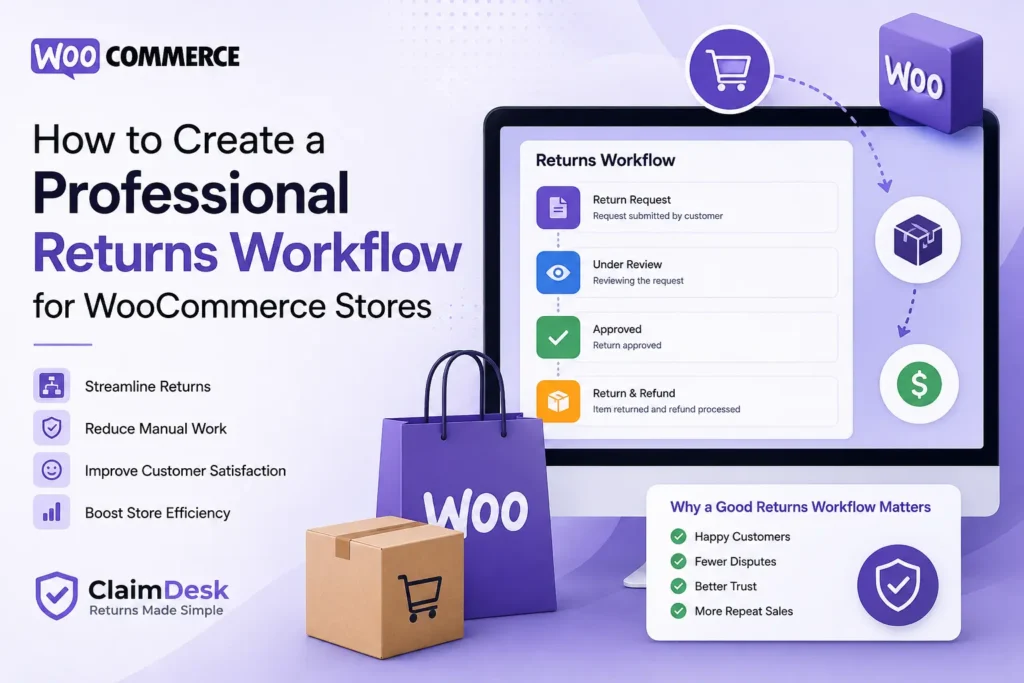
WooCommerce returns workflow can quietly become one of the biggest operational challenges for growing online stores.
Many WooCommerce store owners spend hours every week handling return emails, checking order details manually, searching conversations, and updating customers individually.
At first, this may seem manageable.
But as order volume grows, returns become difficult to track and even harder to scale.
The good news is that creating a professional returns workflow doesn’t require a large support team or expensive infrastructure.
In this guide, you’ll learn how to build a professional WooCommerce returns workflow that improves customer experience while reducing operational overhead.
Table of Contents
🤔 Why Most WooCommerce Return Processes Break
A common pattern appears in many stores.
Customers contact support through:
- Contact forms
- Social media
- Support tickets
Soon the problems begin:
❌ Lost requests
❌ Delayed responses
❌ Missing evidence
❌ Refund confusion
❌ Duplicate processing
Returns become stressful for both customers and administrators.
A structured workflow solves this.
📋 What Makes a Professional Returns Workflow?
A professional returns process should feel predictable and easy.
Customers should always know:
- How to request a return
- What information is required
- How long approval takes
- What happens next
Store owners should be able to:
- Review requests quickly
- Validate eligibility
- Track decisions
- Maintain records
1️⃣ Allow Customers to Submit Requests From Orders
The first step is making return requests simple.
Customers should not need to email support.
Instead, allow returns directly from:
My Account → Orders
This creates a cleaner experience and reduces manual communication.
2️⃣ Collect Structured Return Information
Avoid open-ended messages.
A professional workflow should collect:
- Return reason
- Product condition
- Description
- Requested resolution
- Supporting images
Structured information speeds up decisions.
3️⃣ Create Clear Return Windows
Return policies should not be vague.
Examples:
- 7-day returns
- 14-day returns
- 30-day returns
Clear policies reduce confusion and improve consistency.
4️⃣ Add Evidence Verification
Evidence protects both sides.
Allow customers to upload:
- Product photos
- Packaging images
- Delivery issues
Verification reduces disputes and improves claim quality.
5️⃣ Automate Communication
Customers dislike uncertainty.
Send updates when:
- Request submitted
- Review started
- Approved
- Rejected
- Completed
Automated communication reduces support requests.
6️⃣ Track Every Return Request
Professional workflows rely on visibility.
Track:
- Status history
- Request quantities
- Resolution type
- Customer actions
Better records create better decisions.
7️⃣ Centralize the Entire Process
The biggest improvement comes from removing scattered communication.
A centralized workflow means:
✅ Faster processing
✅ Better customer experience
✅ Reduced manual work
✅ Higher team efficiency
Everything should remain connected to WooCommerce orders.
💡 How ClaimDesk Helps Build a Professional WooCommerce Returns Workflow
ClaimDesk helps WooCommerce store owners move from manual return handling to a structured process.
With ClaimDesk, store owners can:
- Allow claims directly from completed orders
- Track claimable quantities
- Collect return details
- Accept image evidence
- Configure claim windows
- Review requests from one dashboard
- Send automated updates
Instead of managing returns through scattered conversations, everything stays inside WooCommerce.
📈 Best Practices for Long-Term Success
To maintain a professional WooCommerce returns workflow:
- Keep policies visible
- Respond quickly
- Track recurring reasons
- Automate updates
- Review workflow monthly
Small process improvements create long-term operational gains.
❓ Frequently Asked Questions
❓ Does WooCommerce include a returns workflow?
WooCommerce provides order management but usually requires additional processes or tools for structured returns.
❓ Should customers upload images?
Images are useful for damaged or disputed items.
❓ How long should a return window be?
Most stores commonly use 7–30 days depending on product type.
❓ Can returns improve customer retention?
Yes. A smooth return experience often increases trust and repeat purchases.
🎉 Final Thoughts
A professional return process isn’t only about reducing support work.
It creates trust, improves customer experience, and gives store owners more control.
By implementing a structured WooCommerce returns workflow, stores can process requests faster and create a better post-purchase experience.
OR Looking for a complete WooCommerce returns workflow?