
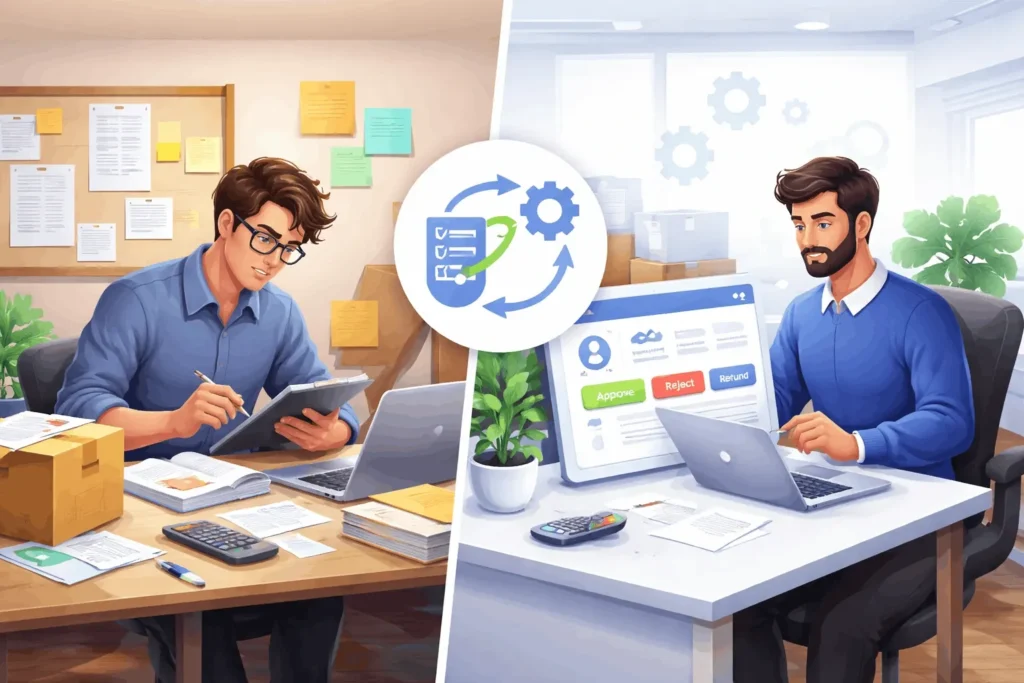
WooCommerce Return Management can make or break the post-purchase experience of your online store.
Returns are a normal part of eCommerce. Customers change their minds, products arrive damaged, sizes don’t fit, or they simply want an exchange. The real question is not whether returns happen—it’s how efficiently your store handles them.
Many WooCommerce store owners start with a manual process because it feels simple in the beginning. But as orders increase, return requests quickly become difficult to organize.
Should you continue handling returns manually or move to an automated system?
In this guide, we compare both approaches so you can choose the right solution for your store.
Table of Contents
📦 What Is WooCommerce Return Management?
WooCommerce Return Management is the process of receiving, reviewing, tracking, and resolving customer return or exchange requests.
A complete return process usually includes:
✅ Receiving return requests
✅ Checking eligibility rules
✅ Collecting supporting evidence
✅ Reviewing claim details
✅ Approving or rejecting requests
✅ Sending updates to customers
A good workflow improves customer trust while reducing internal confusion.
Without a clear process, returns often become messy and time-consuming.
📧 Manual WooCommerce Return Management
Manual WooCommerce Return Management means handling return requests without a dedicated return workflow.
Store owners often rely on:
📧 Email conversations
💬 WhatsApp messages
📱 Social media inboxes
📊 Spreadsheets
📝 Internal notes
This approach can work initially—but problems usually appear as your store grows.
✅ Benefits of Manual Return Management
- No additional software setup
- Flexible process
- Works for stores with low order volume
- Familiar communication tools
❌ Challenges of Manual Return Management
- Return requests get buried in email threads
- Customer photos become difficult to track
- Team members lose context
- Refund delays increase
- Response times become inconsistent
Imagine managing 30 return requests across emails and chats every week. It quickly turns into operational chaos.
⚙️ Automated WooCommerce Return Management
Automated WooCommerce Return Management centralizes the entire return process inside WooCommerce.
Instead of customers contacting your team through multiple channels, they submit structured requests directly from their account.
Automation commonly includes:
📋 Return request forms
📸 Evidence image uploads
🔄 Claim workflows
📩 Status notifications
📈 Tracking dashboards
⏰ Reminder emails
Everything stays organized and easier to manage.
✅ Benefits of Automated Return Management
- Faster return processing
- Better customer experience
- Improved team efficiency
- Clear tracking and visibility
- Reduced manual effort
❌ Possible Limitations
- Initial setup time
- Team onboarding
- Selecting the right workflow
Although setup requires effort, long-term management becomes much easier.
🔍 WooCommerce Return Management: Manual vs Automated
Let’s compare both approaches side by side.
📧 Manual Management
Response Speed: Slow
Tracking: Fragmented
Evidence Collection: Manual
Scalability: Limited
Customer Experience: Inconsistent
Admin Effort: High
⚙️ Automated Management
Response Speed: Fast
Tracking: Centralized
Evidence Collection: Structured
Scalability: High
Customer Experience: Better
Admin Effort: Lower
For growing WooCommerce stores, automation usually creates a more reliable process.
🛒 When Should You Keep Return Management Manual?
Manual management can still make sense if:
✅ Your store receives very few return requests
✅ Order volume is low
✅ Your support team is small
✅ Return policies are simple
For newer stores, avoiding unnecessary complexity may be the right decision.
However, it is important to monitor whether manual processes continue to save time—or start creating hidden costs.
📈 When Should You Automate WooCommerce Return Management?
Automation becomes valuable when you notice:
🚨 Increasing support tickets
🚨 Delayed responses
🚨 Lost requests
🚨 Customer frustration
🚨 Difficulty tracking evidence
At this stage, automation is no longer just a convenience—it becomes an operational advantage.
Store owners often discover that return handling consumes more time than expected.
🛠️ How ClaimDesk Improves WooCommerce Return Management
ClaimDesk helps WooCommerce store owners move from scattered return handling to a structured workflow.
With ClaimDesk, customers can:
✨ Start claims directly from My Account
📸 Upload evidence images
🔄 Request returns or exchanges
📋 Submit complete claim information
Administrators can:
✅ Review claims from one dashboard
✅ Approve or reject requests
✅ Configure claim rules
✅ Send automated updates
Instead of managing returns through disconnected conversations, everything stays organized in one place.
🎯 Final Thoughts
WooCommerce Return Management affects much more than returns—it influences customer satisfaction, operational efficiency, and long-term growth.
Manual methods may work for small stores, but they often become difficult to scale.
Automated workflows provide better visibility, faster processing, and a smoother customer experience.
If your store is spending too much time managing returns manually, it may be time to move toward a structured return workflow and simplify the entire process.
OR Looking for a complete WooCommerce returns workflow?